
People ask me what tools I use.
The answer is simpler than you think.
My WordPress website design stack has helped me earn around $10,000 designing sites.
Here it is.
Why a Simple Stack Wins
More tools mean more problems.
More updates. More conflicts. More bugs.
A small, reliable stack lets me:
- Build faster
- Fix issues quickly
- Hand over sites clients can manage
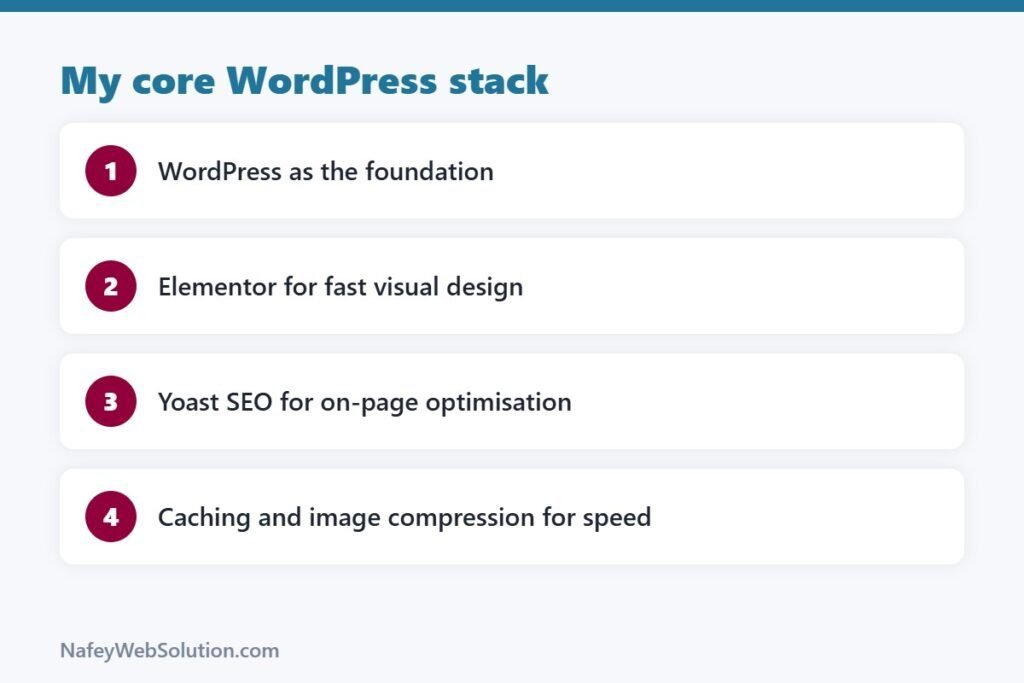
1. WordPress: The Foundation
WordPress is free and flexible.
Clients can edit their own content.
Thousands of plugins solve almost anything.
For most business sites, it’s the right choice.
2. Elementor: Visual Building
Elementor lets me design visually.
Drag. Drop. Adjust. Done.
Why I like it:
- Fast page building
- Reusable templates
- Clients understand it
- Responsive controls for mobile and tablet
Learn Elementor’s containers and global styles.
They make your sites cleaner and faster.
3. Yoast SEO: On-Page Basics
A beautiful site nobody finds is wasted.
Yoast helps with:
- SEO titles and meta descriptions
- Focus keywords
- XML sitemaps
- Readability checks
It won’t rank a site alone.
But it gets the basics right.
4. Speed Tools: Caching and Compression
Speed affects visitors and rankings.
I use:
- A caching plugin (like LiteSpeed Cache on supported hosting)
- An image compression plugin (like Smush)
- Properly sized images before upload
Fast sites feel professional.
5. Forms and Email
Every business site needs a way to contact the owner.
A good form plugin handles this.
For newsletters, a Mailchimp integration works well.
6. WooCommerce for Stores
Need to sell products?
WooCommerce turns WordPress into a store.
I’ve also built stores on Shopify when clients prefer it.
My Build Process in 5 Steps
- Understand the business and its customers.
- Plan the pages and the main action.
- Design the homepage first.
- Build inner pages from the same style.
- Test speed, mobile and forms before launch.
The Footer Credit
Every site I design gets a small line: “Designed by NafeyWebSolution.com.”
It costs nothing.
And it keeps my name in front of new people.
FAQs
Is Elementor good for professional websites?
Yes, when used carefully. Keep layouts clean and avoid too many heavy widgets.
Do I need to know code for WordPress?
Not to start. Basic CSS helps for fine-tuning.
WordPress or Shopify?
WordPress for flexible business sites. Shopify for simple, product-focused stores.
Need a WordPress Website?
Let NafeyWebSolution.com build it — fast, clean and easy to manage.